
Tracking complex regression cycles across spreadsheet tabs leads to missed edge cases, broken build pipelines, and untracked bug regressions. When release velocity increases, sprints compress, microservices multiply, test matrices expand, spreadsheets don’t just become inconvenient. They become a liability that destroys audit confidence and kills deployment predictability.
The Software Development Lifecycle (SDLC) generates test artifacts at every phase: requirements, test plans, execution logs, defect records, and sign-off reports. Without a dedicated test management platform, those artifacts live in disconnected silos: Confluence pages, Jira comments, email threads, and locally saved Excel files that no one owns. Test execution metrics and traceability collapse entirely when a senior QA lead leaves or a release branch forks unexpectedly.
Selecting the right platform requires evaluating more than feature count. The real criteria: depth of Jira integration, CI/CD pipeline compatibility, execution throughput under load, reporting granularity for cross-team analytics, and licensing models that scale without punishing growth.
Also read: What is cost estimation in software engineering
The 7 Best Test Case Management Platforms
1. TestRail
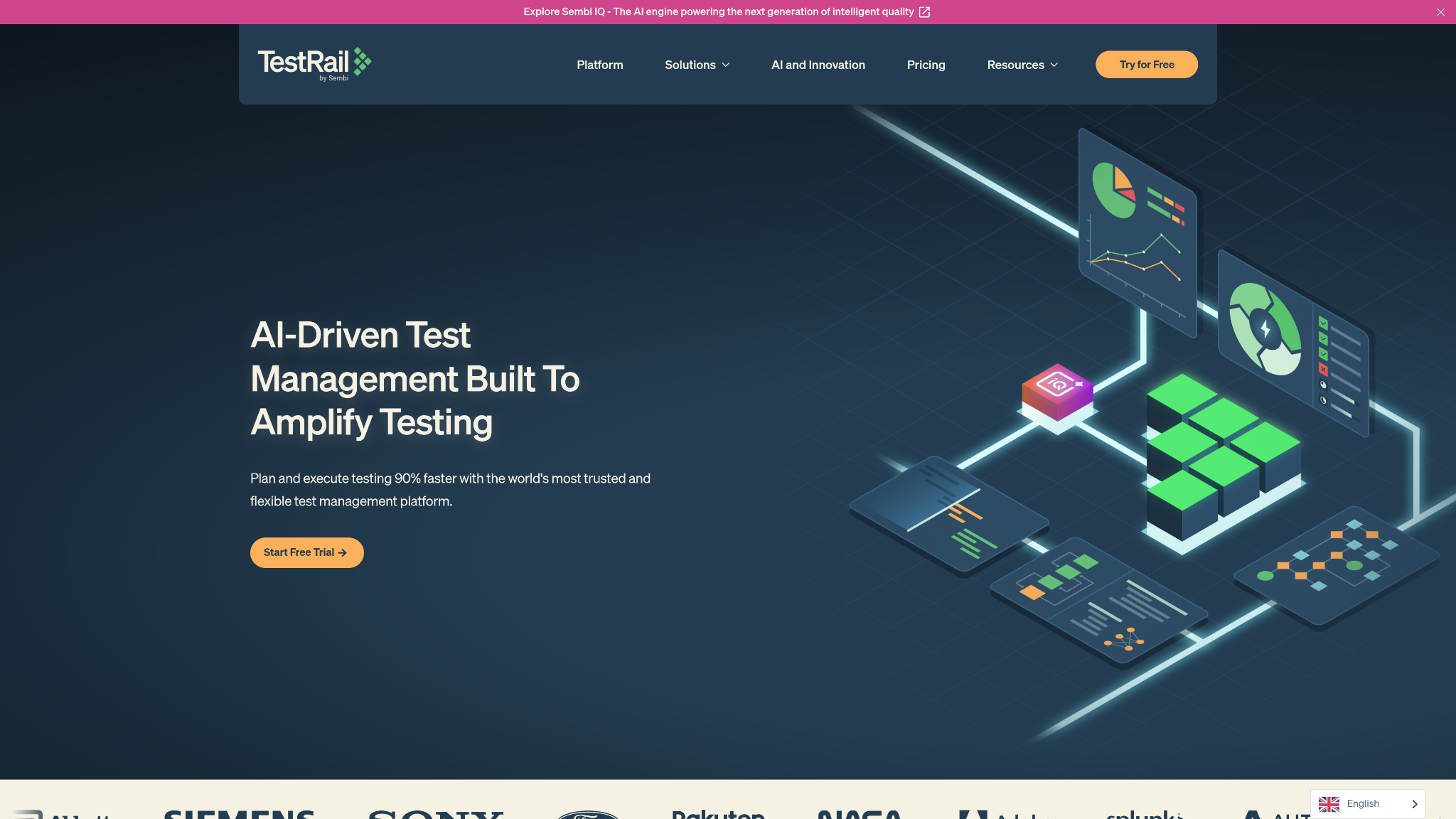
TestRail operates as a centralized test management hub that enterprise QA teams use to coordinate manual and automated test execution across distributed engineering organizations. Its milestone tracking system maps directly to sprint releases and product versions, giving QA managers a structured view of test coverage completeness before any build goes to staging.
The audit log architecture in TestRail is thorough. Every test result, status change, and assignment gets timestamped and attributed, critical for regulated industries where traceability reports are non-negotiable deliverables. Native integration with Jira issue tracking means defects raised during test run execution surface immediately in developer workflows without requiring manual ticket duplication.
TestRail supports both cloud-hosted and on-premises deployment, which matters for enterprise clients with data residency requirements or air-gapped environments. Its REST API allows CI/CD pipeline integration at the build level, enabling automated test results aggregation from frameworks like Selenium, Cypress, and Appium to post back to centralized execution dashboards without manual result entry.
Best for: Enterprise QA teams managing multiple parallel release tracks across 50+ testers.
Integration depth: Jira, GitHub, Azure DevOps, Jenkins, Selenium Grid.
Licensing model: Per-user SaaS or self-hosted perpetual license.
2. PractiTest
PractiTest approaches test case management as a full end-to-end QA operation platform rather than a standalone test runner. Its hierarchical filter tree system lets teams organize test cases across nested project structures, product lines, modules, features, and build versions with filter combinations that would require custom database queries to replicate elsewhere.
Requirements traceability in PractiTest is built into the data model, not bolted on as a report. Test cases link directly to requirement records, and that relationship propagates through to test run results and defect logs. When a requirement changes, coverage gaps are immediately visible. AI-driven duplicate detection prevents test case bloat in suites that evolve over multiple release cycles a genuine operational problem in regression testing suites maintained across years of product iterations.
Customizable dashboards allow different stakeholders QA leads, product managers, compliance officers to consume execution data at the granularity relevant to their role. PractiTest integrates with Jira for bidirectional defect synchronization and supports CI/CD pipeline integration through its REST API and CLI test runner connectors.
Best for: Mid-to-large QA teams managing compliance-heavy products with strict requirements traceability mandates.
Integration depth: Jira, GitHub, Jenkins, CircleCI, TeamCity.
Licensing model: Per-user SaaS with tiered plan scaling.
3. Testmo
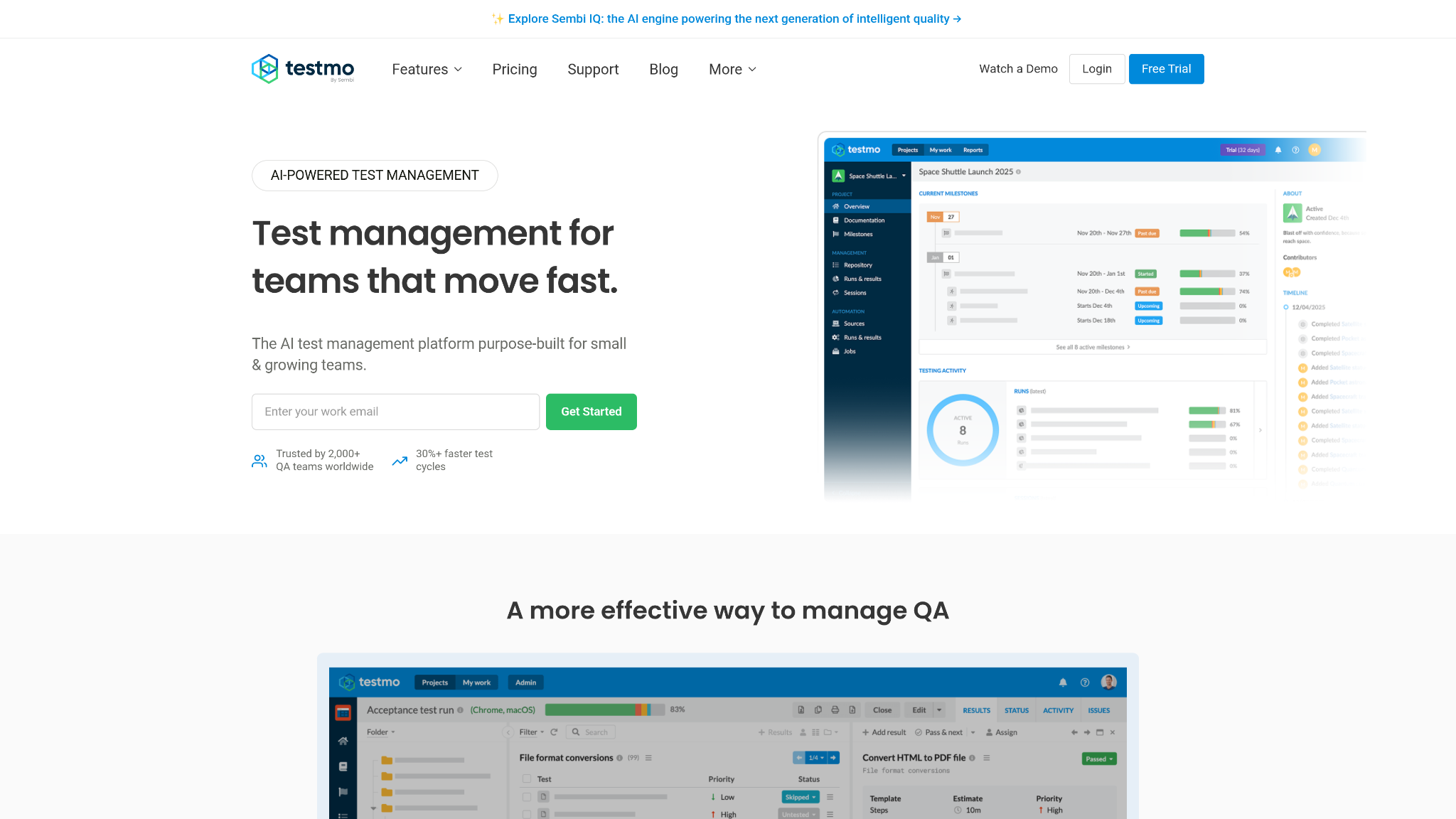
Testmo is built on a different architectural philosophy than most test management platforms. Speed is treated as a core product requirement, not a secondary UX concern. Page loads are near-instant, bulk operations execute without lag, and the interface doesn’t force testers through multi-step modal workflows to log a result.
Its standout capability is native aggregation of CI/CD automated test results. Teams pipe JUnit XML reports directly from build pipelines GitHub Actions, GitLab CI, Bitbucket Pipelines and Testmo consolidates those results alongside manually executed test cases in a unified execution view. That single view across manual, automated, and exploratory testing removes the fragmentation that forces QA leads to cross-reference multiple dashboards to understand overall build health.
Testmo handles exploratory testing sessions with structured session capture, which keeps exploratory work from disappearing into unstructured notes. Milestone tracking links test runs to specific software versions, providing historical trend data across releases. For teams transitioning from basic task managers to a proper test management platform, Testmo’s import tools and clean data model reduce migration friction significantly.
Best for: Agile engineering teams running mixed manual and automated test suites at high deployment frequency.
Integration depth: GitHub Actions, GitLab CI, Jenkins, CircleCI, Bitbucket Pipelines.
Licensing model: Per-user SaaS, flat-rate team pricing available.
4. TestLodge
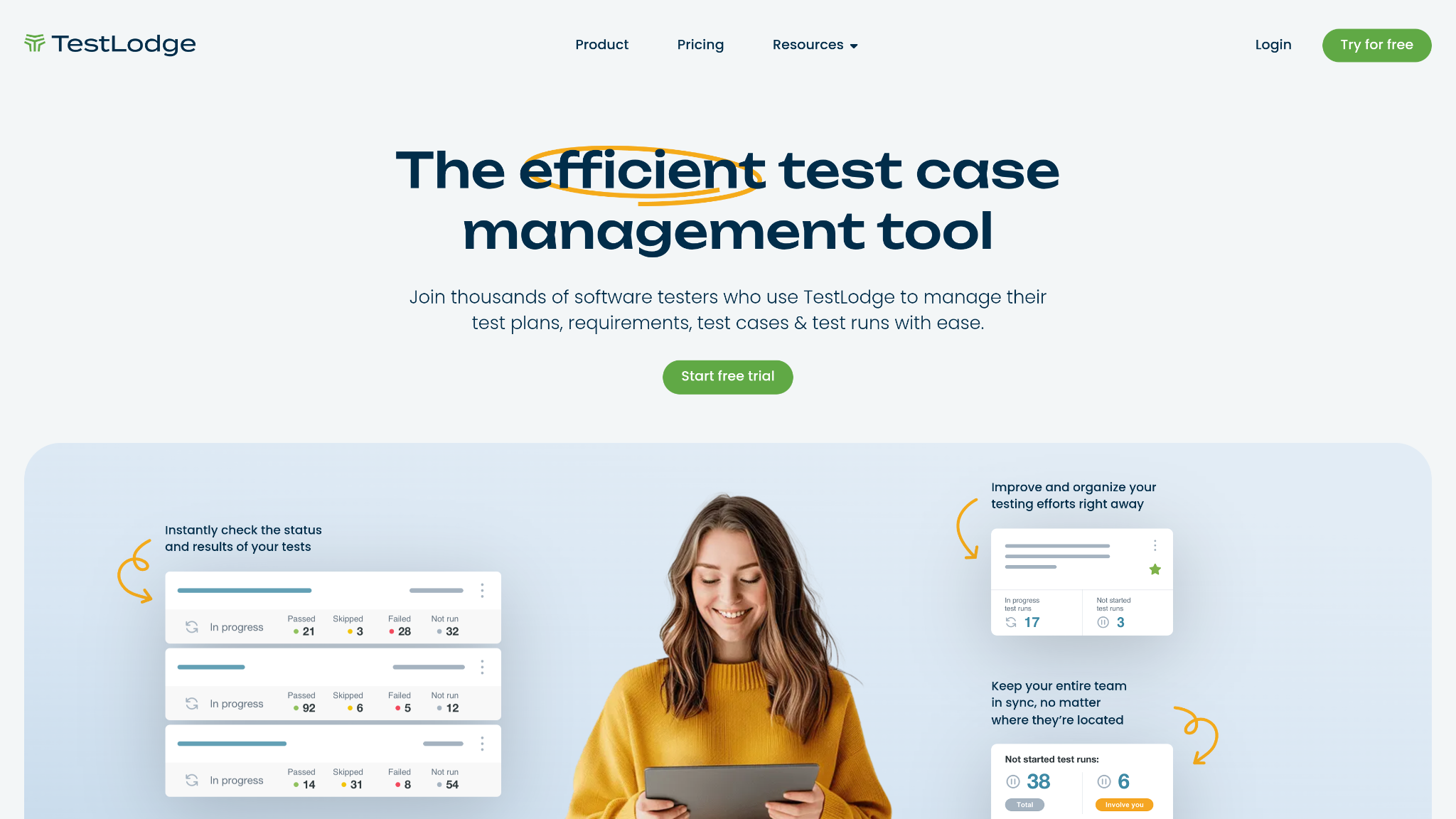
TestLodge is a deliberately minimal platform. It does not attempt to be a full QA operations system, and that restraint is its primary competitive advantage for teams that don’t need one. Test plan creation is straightforward: define requirements, write test cases, build test runs, log results. The entire workflow from setup to first execution takes hours, not days.
Sync with over 20 issue trackers, including Jira issue tracking, GitHub Issues, Basecamp, and Pivotal Tracker, means defects raised during test execution flow automatically into existing developer workflows. There are no complex field-mapping configurations to maintain. The sync is shallow by design, which keeps it reliable across tracker updates and API version changes.
TestLodge fits teams where QA responsibilities are distributed across developers and product managers rather than concentrated in a dedicated QA department. Regression testing suites stay manageable when the test case library remains focused rather than comprehensive. For organizations with genuinely complex automation frameworks or multi-product release coordination, TestLodge will hit structural limits quickly but for teams within its target scope, it removes all unnecessary operational overhead.
Best for: Small agile teams (2–15 people) running focused manual testing cycles without dedicated QA engineering staff.
Integration depth: Jira, GitHub Issues, Basecamp, Pivotal Tracker, Redmine, YouTrack.
Licensing model: Per-user SaaS, low-cost entry tier.
5. TestMonitor
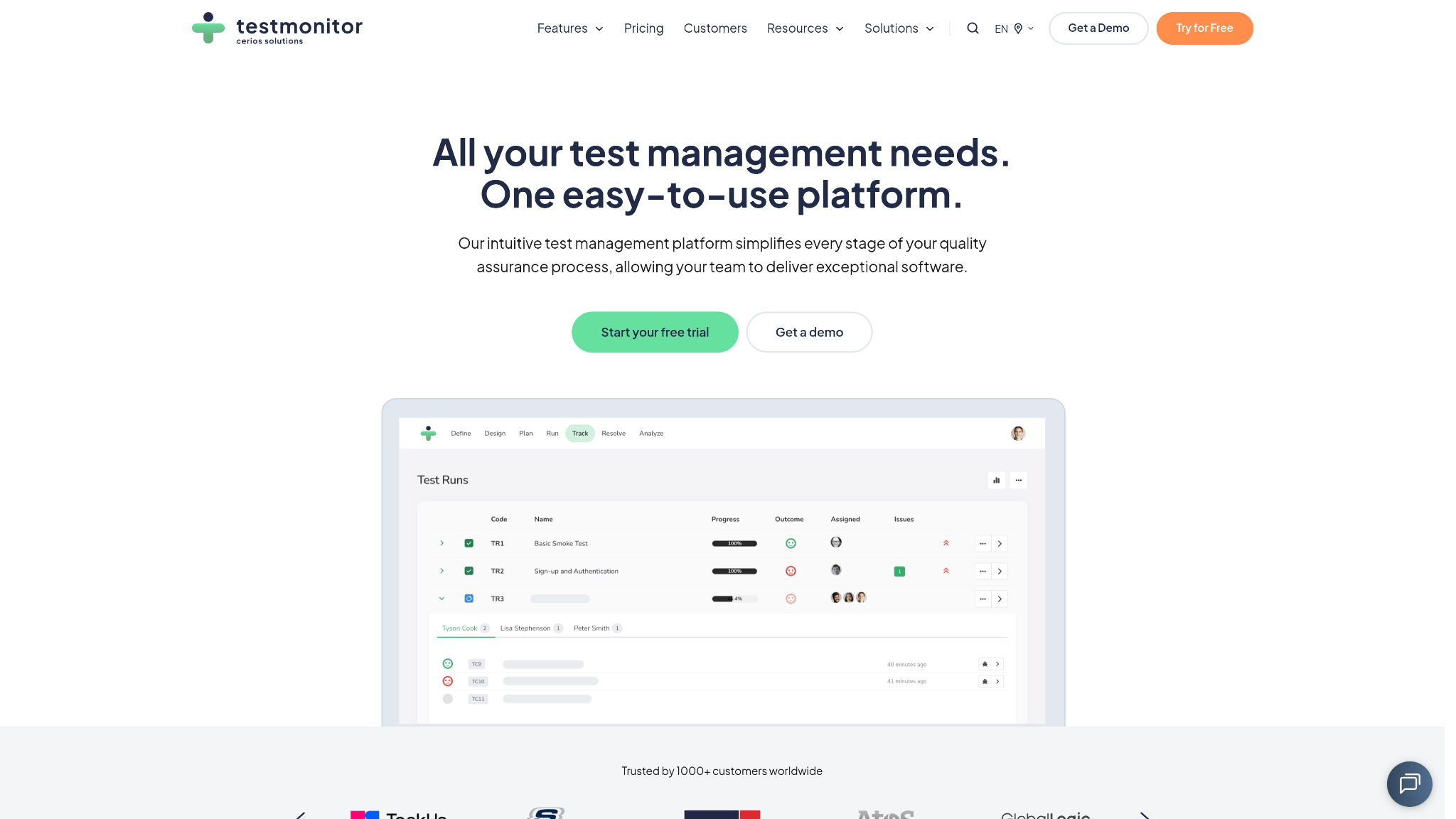
TestMonitor targets User Acceptance Testing (UAT) and compliance-driven testing workflows where external stakeholders business users, auditors, client representatives need direct participation in the testing process. Its stakeholder feedback interface allows non-technical reviewers to log issues, approve test results, and sign off on testing phases without needing a QA background.
Risk-based testing frameworks built into TestMonitor allow teams to prioritize test coverage by business impact rather than treating all test cases as equal weight. That prioritization becomes operationally significant during compressed release windows when full regression execution is not feasible. Built-in compliance audit trails capture the complete chain of test execution evidence: who ran which tests, what results were recorded, what defects were raised, and what sign-offs were obtained.
Issue logging is structured around test failures rather than general bug tracking, which keeps defect records tightly linked to their test case origins. That linkage supports end-to-end traceability from requirements through execution through defect resolution. Test execution metrics surface clearly in TestMonitor’s reporting layer, giving compliance teams the documentation artifacts they need without requiring post-processing exports.
Best for: Enterprise teams delivering compliance-regulated software (financial, healthcare, government) with mandatory audit trail requirements.
Integration depth: Jira, Azure DevOps, GitHub, Slack.
Licensing model: Per-user SaaS with enterprise plan options.
6. QMetry
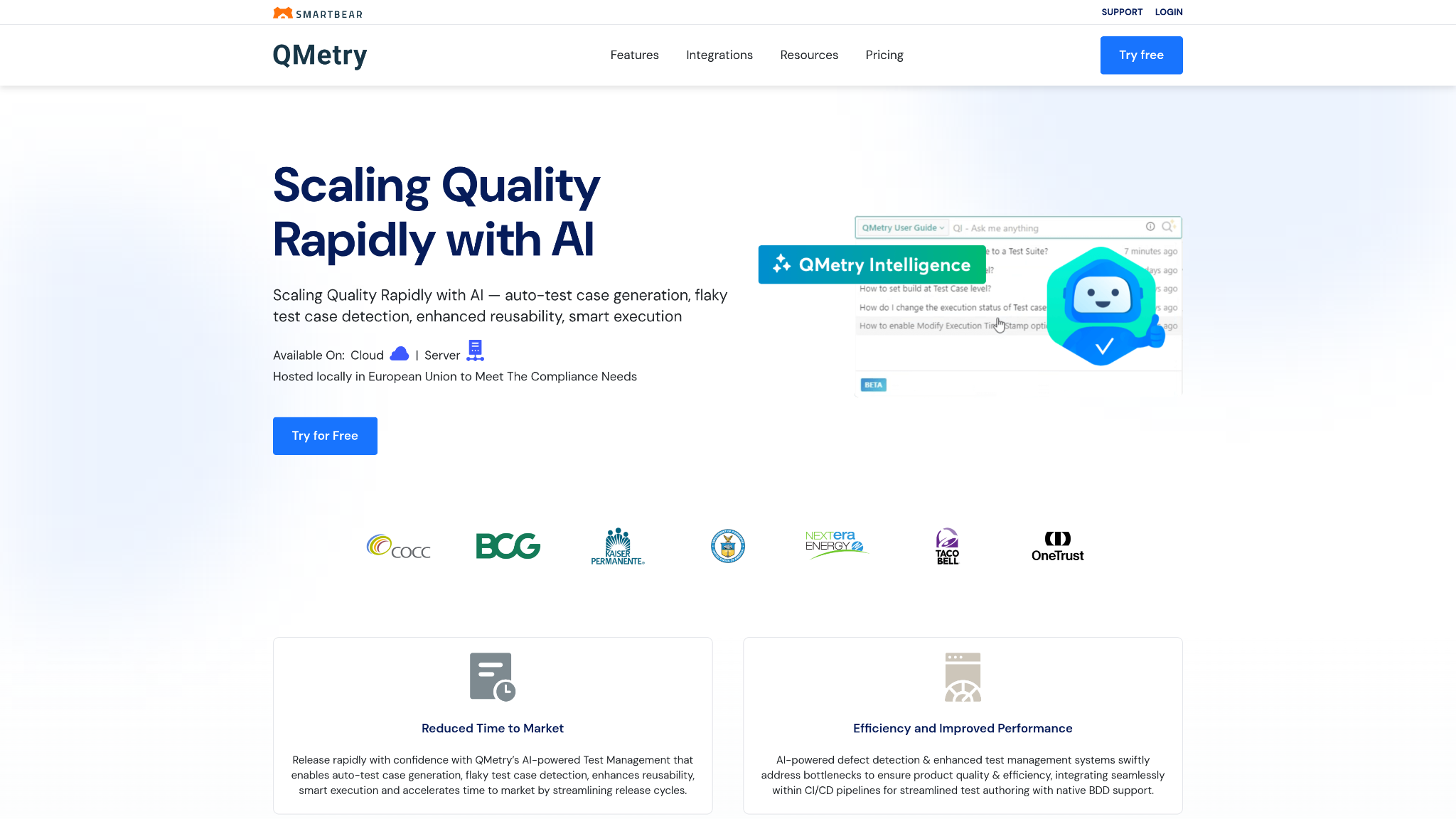
QMetry is engineered for DevOps-scale testing operations where automation is the dominant execution mode and manual testing represents a minority of total test volume. Its native Jira integration runs deeper than a simple defect sync. QMetry embeds directly into the Jira project interface, allowing QA activities to exist within the same workspace developers use for sprint planning and backlog management.
AI-powered test case authoring accelerates test suite construction by generating test cases from requirements, user stories, and acceptance criteria. That generation is not a replacement for QA judgment, but it systematically reduces the time between requirement creation and test coverage completion a gap that consistently causes under-tested features at sprint boundaries. Automated test results aggregation from frameworks including Selenium, Appium, Cucumber, and JUnit feeds into cross-project reporting dashboards that give QA managers a portfolio-level view of quality health.
CI/CD pipeline integration supports direct result injection from Jenkins, Bamboo, GitHub Actions, and Azure DevOps pipelines. QMetry’s cross-project reporting is particularly valuable for enterprises managing multiple product lines it surfaces quality trends that single-project dashboards cannot reveal. The platform’s scale is enterprise-oriented, which makes it overkill for small teams but appropriately powered for organizations running thousands of automated test executions per day.
Best for: Large DevOps organizations with high automation maturity running cross-team test programs within Jira ecosystems.
Integration depth: Jira (native), Jenkins, Bamboo, GitHub Actions, Azure DevOps, Selenium, Appium.
Licensing model: Per-user SaaS, enterprise volume pricing.
7. CucumberStudio
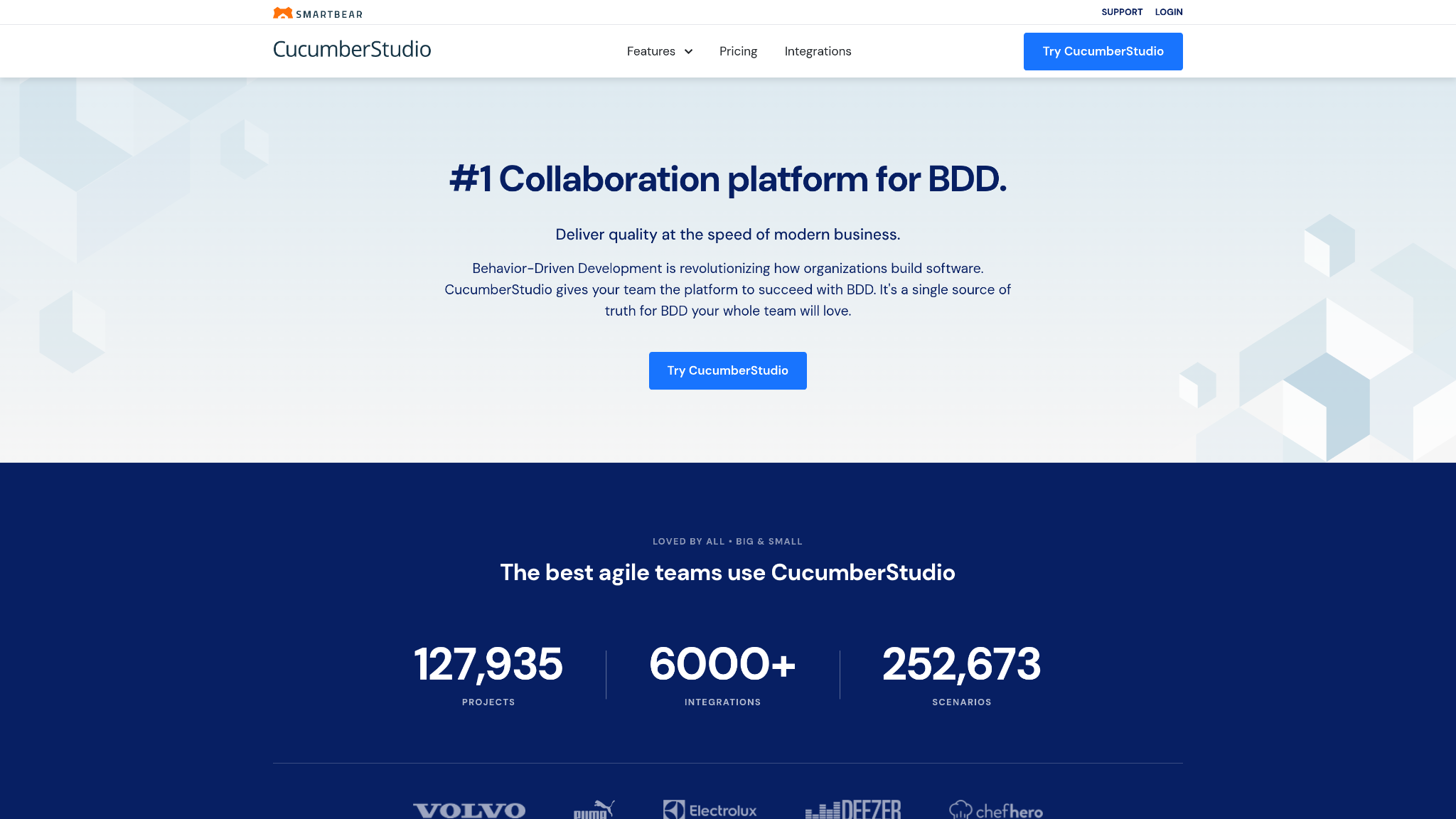
CucumberStudio is the dedicated platform for teams practicing Behavior-Driven Development (BDD). It is built around the premise that test specifications should be written in plain business language Gherkin syntax that both product owners and automation engineers can read, write, and maintain. That shared specification language eliminates the translation layer where requirements get misinterpreted into test cases that don’t reflect actual acceptance criteria.
Living documentation stays synchronized with automated test code through CucumberStudio’s real-time sync mechanism. When an automated test execution runs, CucumberStudio updates the status of the corresponding Gherkin scenario in the specification library. Scenarios that fail in the pipeline immediately surface as failing living documentation; there is no separate manual reporting step required to surface automation failures to stakeholders who don’t read build logs.
Direct CI/CD pipeline integration through pipeline hooks allows test execution results to feed back into the BDD specification library on every build. This creates a continuous feedback loop between feature specification, automated test code, and execution results that manual test management workflows cannot replicate. Regression testing suites built in CucumberStudio maintain their value across product versions because the specifications are tied to behavior rather than implementation details.
Best for: Agile teams practicing BDD with strong collaboration between product owners, developers, and QA engineers.
Integration depth: GitHub, GitLab, Bitbucket, Jenkins, CircleCI, Cucumber OSS framework.
Licensing model: Per-user SaaS.
Check this out: Call Center Agent Scripts Tool
Comparison Matrix: Top Test Case Management Platforms
| Tool Name | Primary Strength | Core Integration Focus | Best Target Team Size |
| TestRail | Centralized enterprise test management with deep audit logging and milestone tracking | Jira, GitHub, Azure DevOps, Jenkins, Selenium Grid | 20–500+ testers |
| PractiTest | End-to-end QA platform with hierarchical filtering and requirements traceability | Jira, GitHub, Jenkins, CircleCI, TeamCity | 10–200 testers |
| Testmo | Unified manual + automated + exploratory testing with native JUnit XML aggregation | GitHub Actions, GitLab CI, Bitbucket Pipelines, Jenkins | 5–150 testers |
| TestLodge | Lightweight, fast-setup test management with broad issue tracker sync | Jira, GitHub Issues, Basecamp, Pivotal Tracker, YouTrack | 2–30 testers |
| TestMonitor | UAT and compliance audit management with structured stakeholder involvement | Jira, Azure DevOps, GitHub, Slack | 10–100 testers |
| QMetry | AI-driven enterprise QA platform natively embedded in Jira with cross-project analytics | Jira (native), Jenkins, Bamboo, GitHub Actions, Azure DevOps | 30–1000+ testers |
| CucumberStudio | BDD-native test management with living documentation synced to automation pipelines | GitHub, GitLab, Bitbucket, Jenkins, Cucumber OSS | 5–80 testers |
Best Practices for Integrating Test Management Into Your CI/CD Pipeline
Configuring Automated Result Ingestion
Engineering teams that treat test result reporting as a post-build manual step create an artificial lag between execution failure and developer awareness. Configure your test management platform to ingest automated test results directly from the build pipeline using REST API calls or CLI reporters built into the execution framework. Most mature platforms, such as TestRail, Testmo, QMetry, and PractiTest, provide CLI runners or webhook receivers that accept JUnit XML output natively. The build step that runs your test suite and the step that pushes results to the test management system should execute in the same pipeline stage, not as a separate scheduled task.
Map test case IDs in your automation codebase to corresponding test cases in the management platform at the framework configuration level. That mapping allows automated test results aggregation to attribute pass/fail status to specific test records, not just raw test runner output. Without that attribution, automated results exist outside the traceability matrix; they generate noise without producing actionable coverage data.
Real-Time Bug Synchronization
Test run failures that sit in a test management dashboard without propagating to developer issue trackers extend defect resolution turnaround time by exactly the length of time it takes someone to notice the dashboard and manually create a ticket. That latency is entirely avoidable.
Configure bidirectional sync between your test management platform and your Jira issue tracking project using the platform’s native integration or webhook-based triggers. When a test execution marks a test case as failed, the integration should automatically create or update a linked defect record in the developer’s issue tracker with the test case ID, failure log, build reference, and environment details pre-populated.
Set failure thresholds that trigger automatic synchronization without requiring QA review for every individual failure. Reserve manual review gates for new failure patterns, not for failures that match known test case IDs with existing open defect records.
That filtering keeps developer issue trackers populated with actionable, non-duplicate defect records rather than duplicate noise from repeated execution of a known failing test. CI/CD pipeline integration that closes defect records automatically when a previously failing test passes on a subsequent build completes the feedback loop; developers see resolution confirmation without needing to manually verify test status in a separate system.
Traceability Matrix Maintenance
Traceability breaks down incrementally. A requirement gets updated without corresponding test case review. A new feature ships with test cases that aren’t linked to any requirement record. A deprecated module leaves orphaned test cases in the execution suite. These gaps accumulate over product generations until the traceability matrix no longer reflects actual product coverage.
Enforce traceability linkage as a mandatory field on test case creation, not as a recommended practice. Platforms like PractiTest and TestMonitor support required field configuration that prevents test case records from being saved without a linked requirement. Run traceability coverage reports on every sprint boundary and treat uncovered requirements as a blocking condition for release sign-off, not a backlog item to address later.